side project · home-built art display
Open museum archives, a Raspberry Pi behind the TV, and a picker designed for the TV remote. Choose Impressionism, Venice or Rembrandt, press Start, and the screen becomes a gallery.
ArtFrame started over drinks. Kian and his girlfriend love visiting museums, and one evening he noticed how black the switched-off TV looked in the room. Most homes have at least one TV, often several, and when nothing is playing they sit on the wall as eyesores.
Some smart TVs offer an “art mode”, but it comes with a small, paid, rotating catalogue and very little say in what you see. Meanwhile the world’s great museums have opened their archives: hundreds of thousands of high-resolution, public-domain images that anyone can use. ArtFrame puts them on the TV. Switch to its input and you’re in a gallery you curate yourself, by subject, period, place, artist or museum, and it runs across every screen in the house from one shared library.
A love of art and a bothersome black TV turned into a need, and a design brief.
1. Harvest
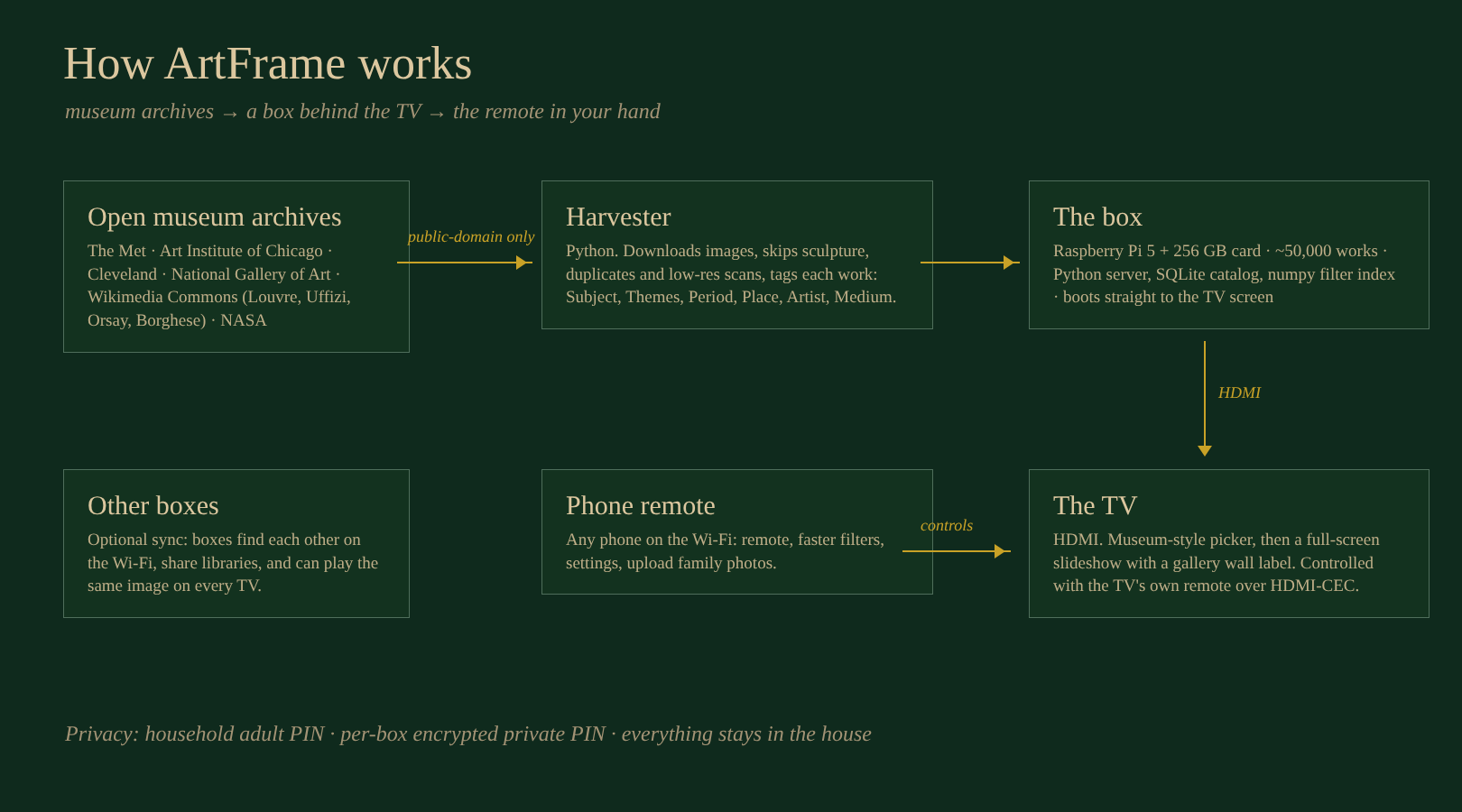
A Python harvester pulls public-domain works from the Met, the Art Institute of Chicago, the Cleveland Museum of Art, the National Gallery of Art, Wikimedia Commons (including the Louvre, Uffizi, Musée d’Orsay and Galleria Borghese collections) and NASA. It skips sculpture, duplicates and low-resolution scans.
2. Catalogue
Every work is tagged the way museums do it: a short list of subjects (Portrait, Landscape, Religious, Everyday life…), detailed themes in the style of the Iconclass system (Horses, Venice, Winter and snow…), and a period timeline from cave paintings to today.
3. Display
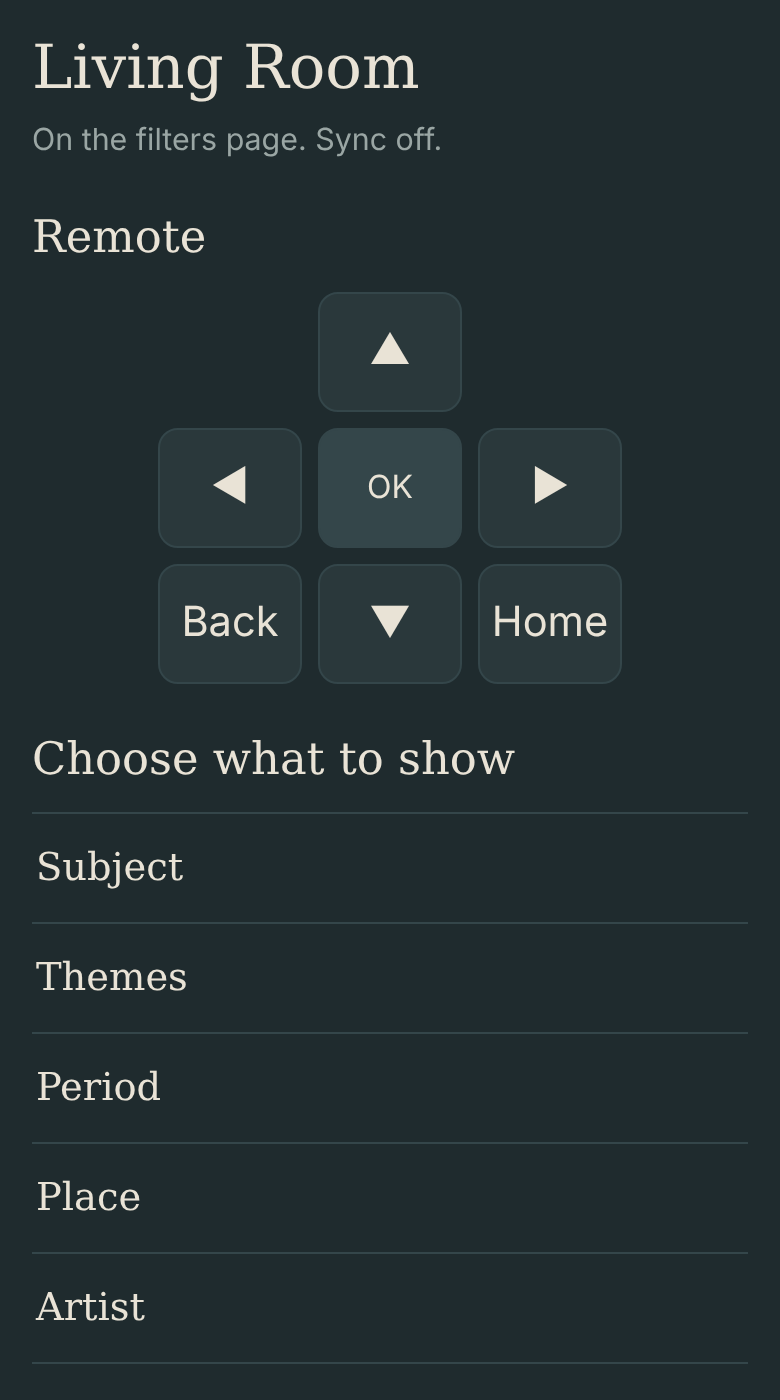
A Raspberry Pi 5 behind the TV boots straight into the picker. The TV’s own remote drives it over HDMI-CEC, or any phone on the Wi-Fi can act as a remote.
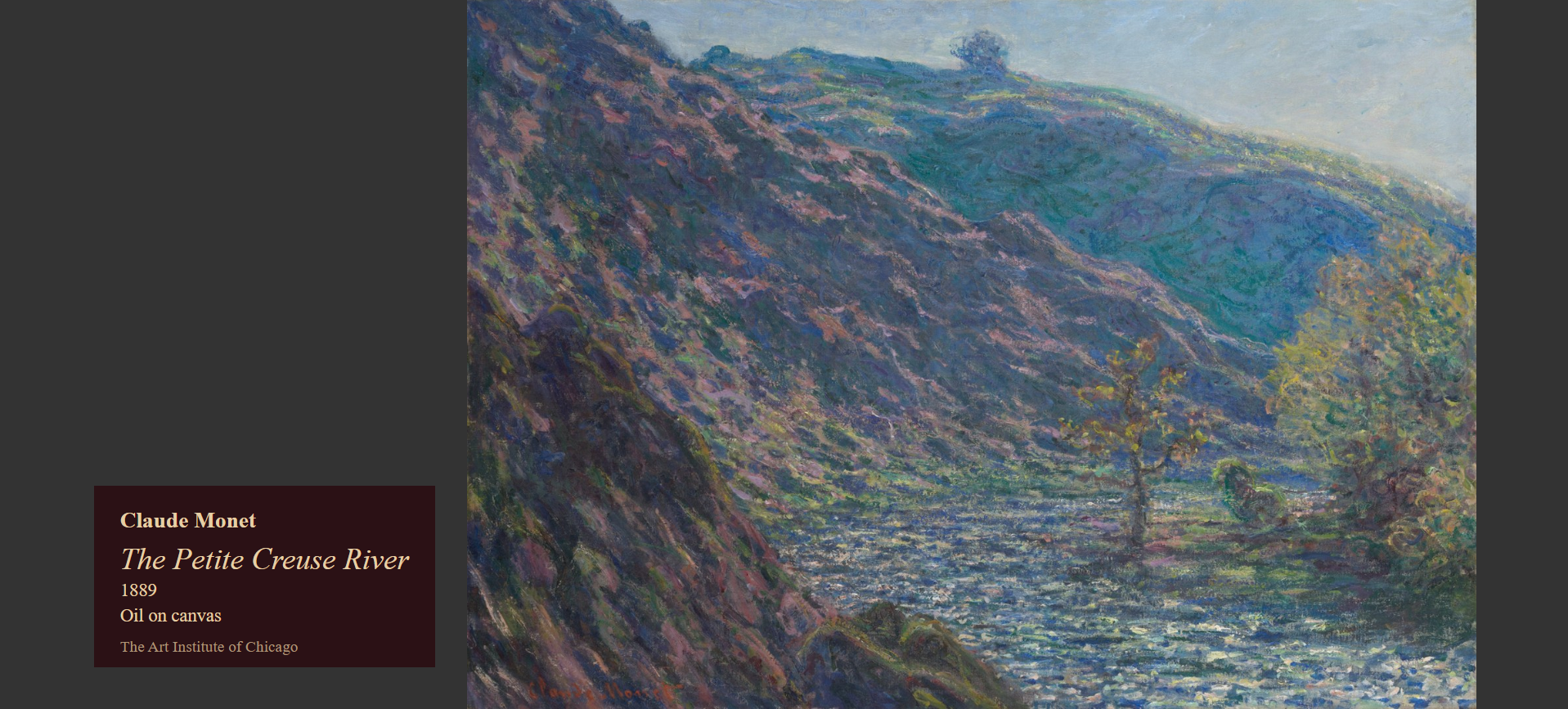
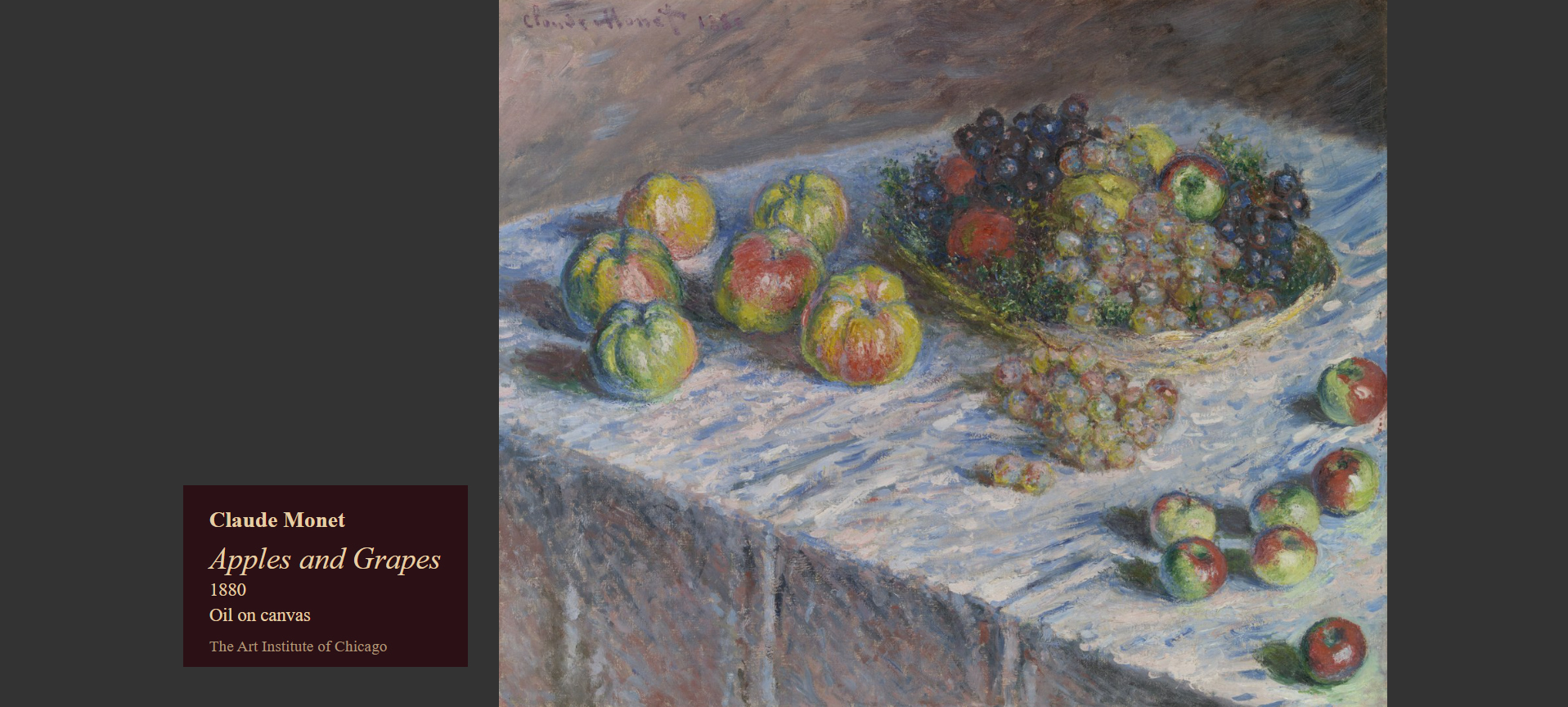
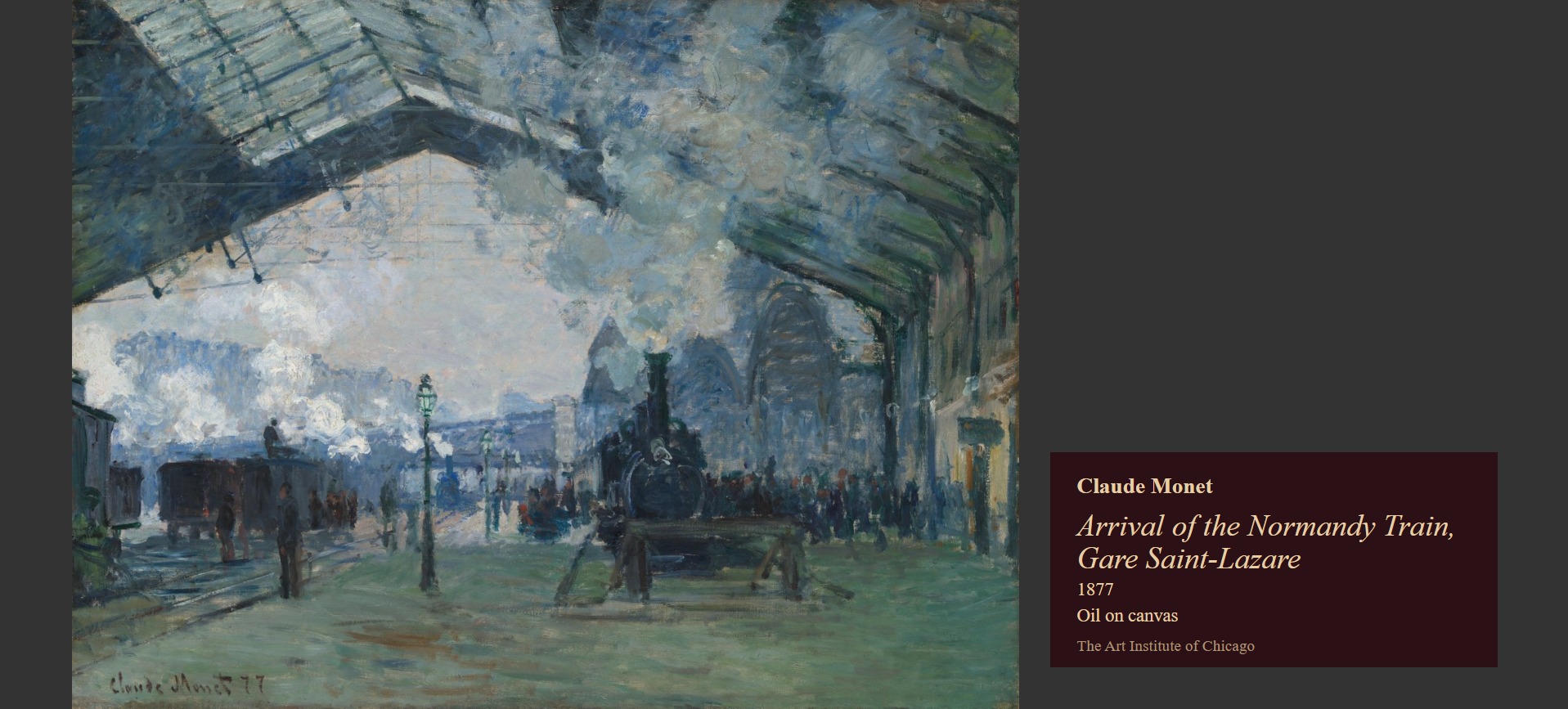
Press Start and the picker gives way to the art. Each work fills the screen on a quiet grey mat, with a museum-style wall label beside it (artist, title, date, medium and the museum it comes from), never on top of it. The label switches sides from one work to the next so it always sits in the empty space.
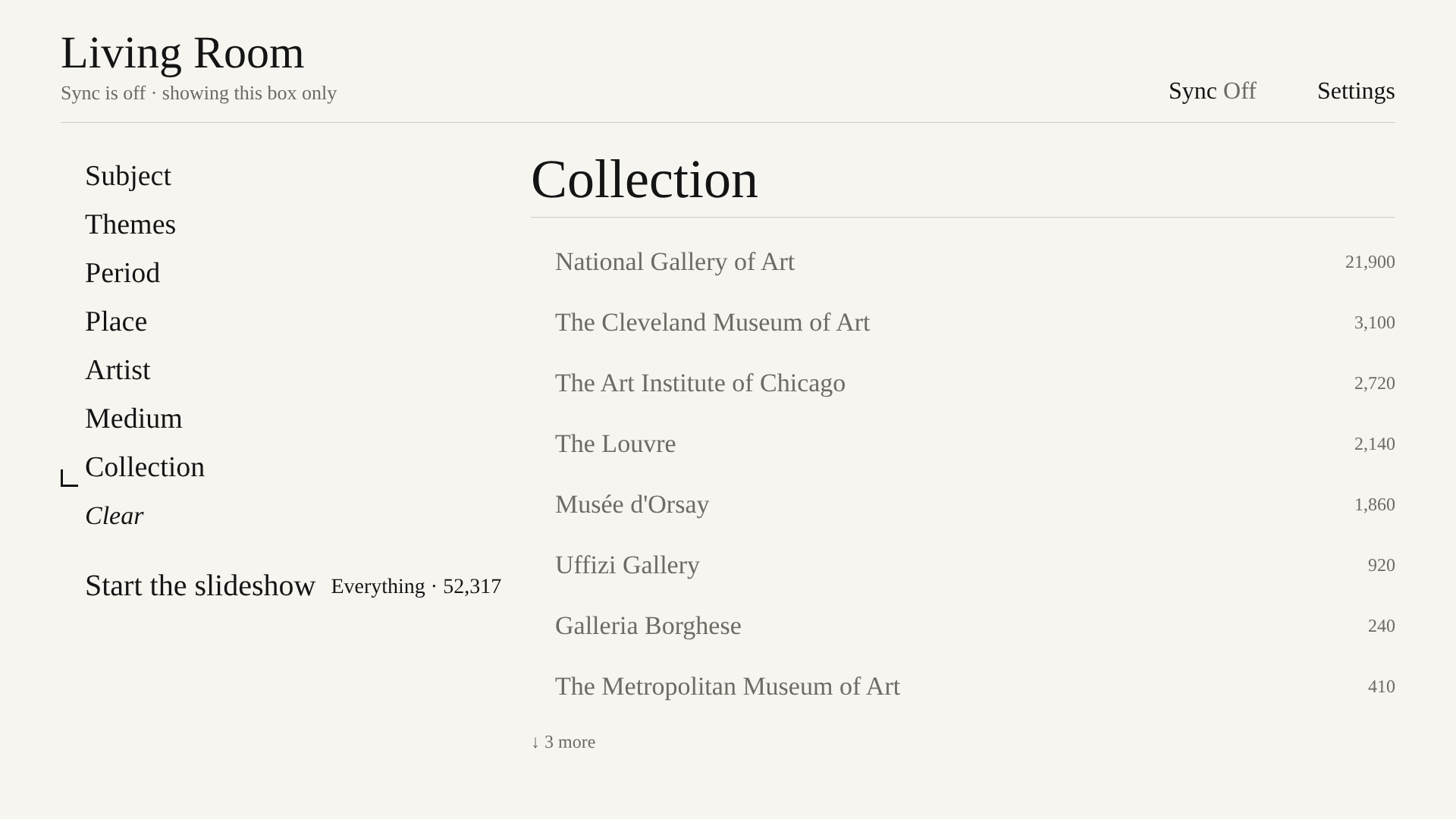
The hardest part wasn’t the code. It was making tens of thousands of artworks easy to browse with four arrow keys and an OK button. The picker is text-only and set in Times New Roman, like a museum catalogue: groups on the left, choices on the right, chosen items in bold, and a small L-shaped mark showing where you are. Period is a timeline: each era shows its years and a few landmarks everyone knows (Renaissance: printing press, Leonardo, Michelangelo). Long lists get an A–Z strip, like the contacts on a phone.
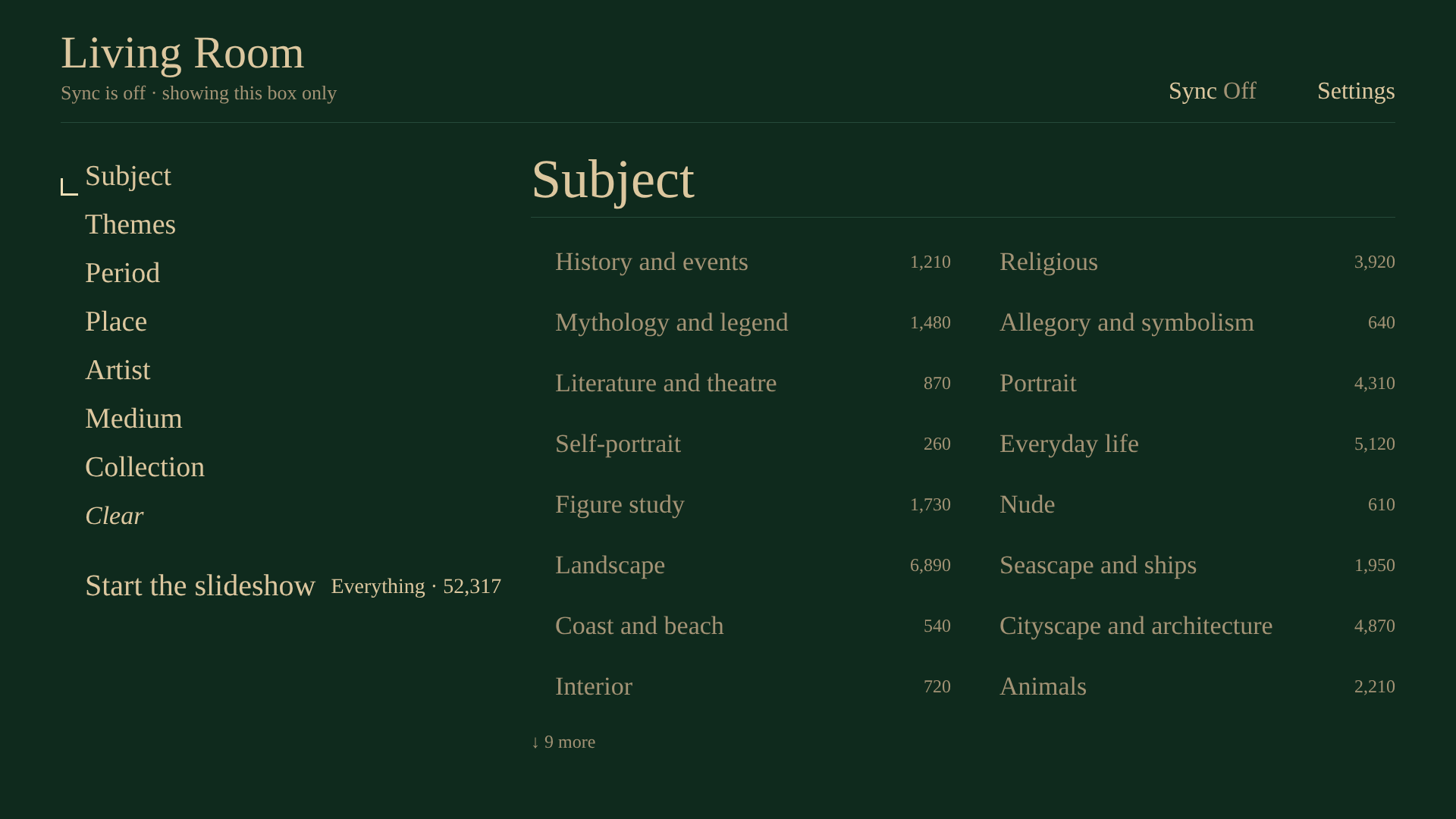
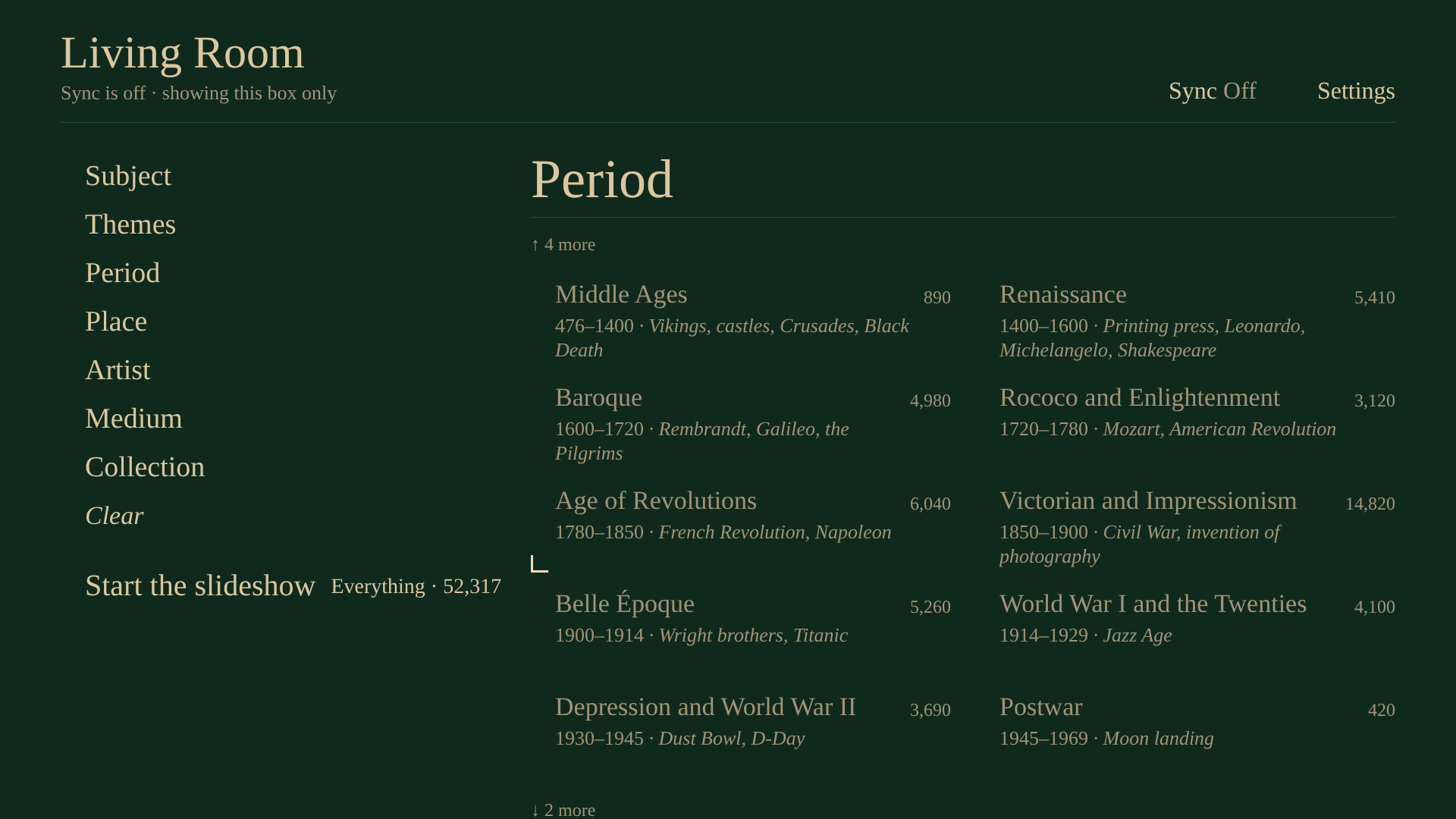
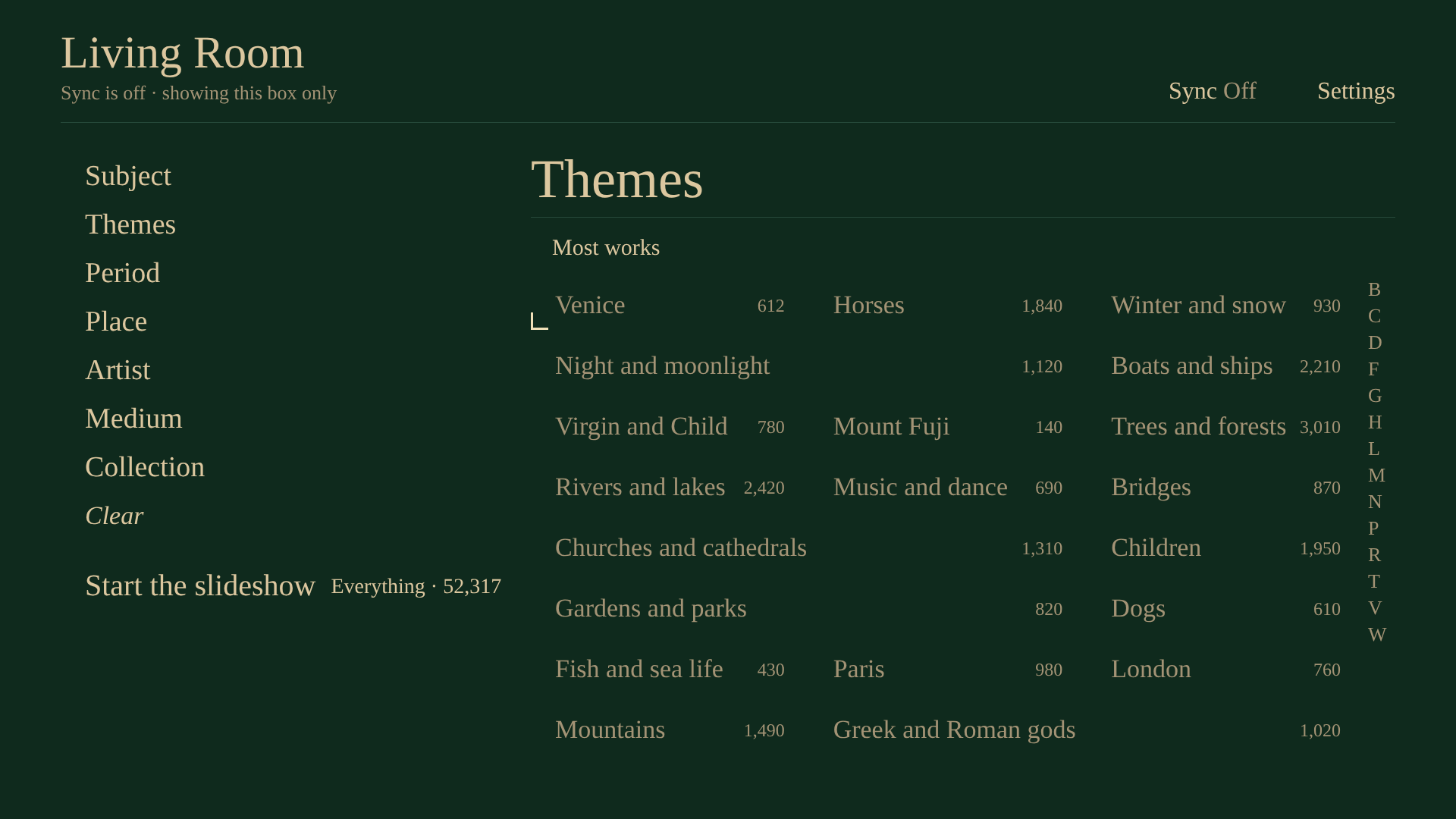
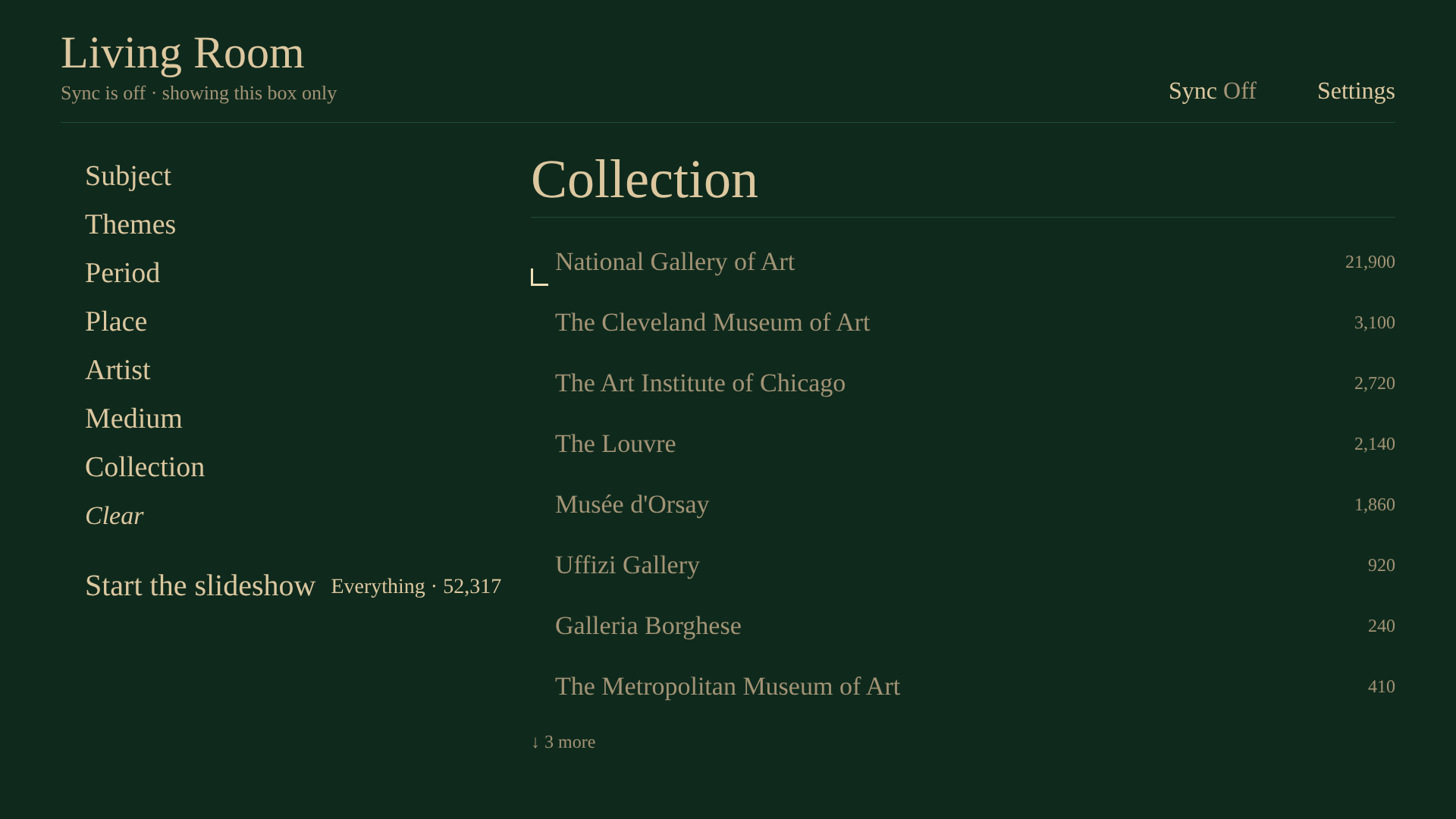
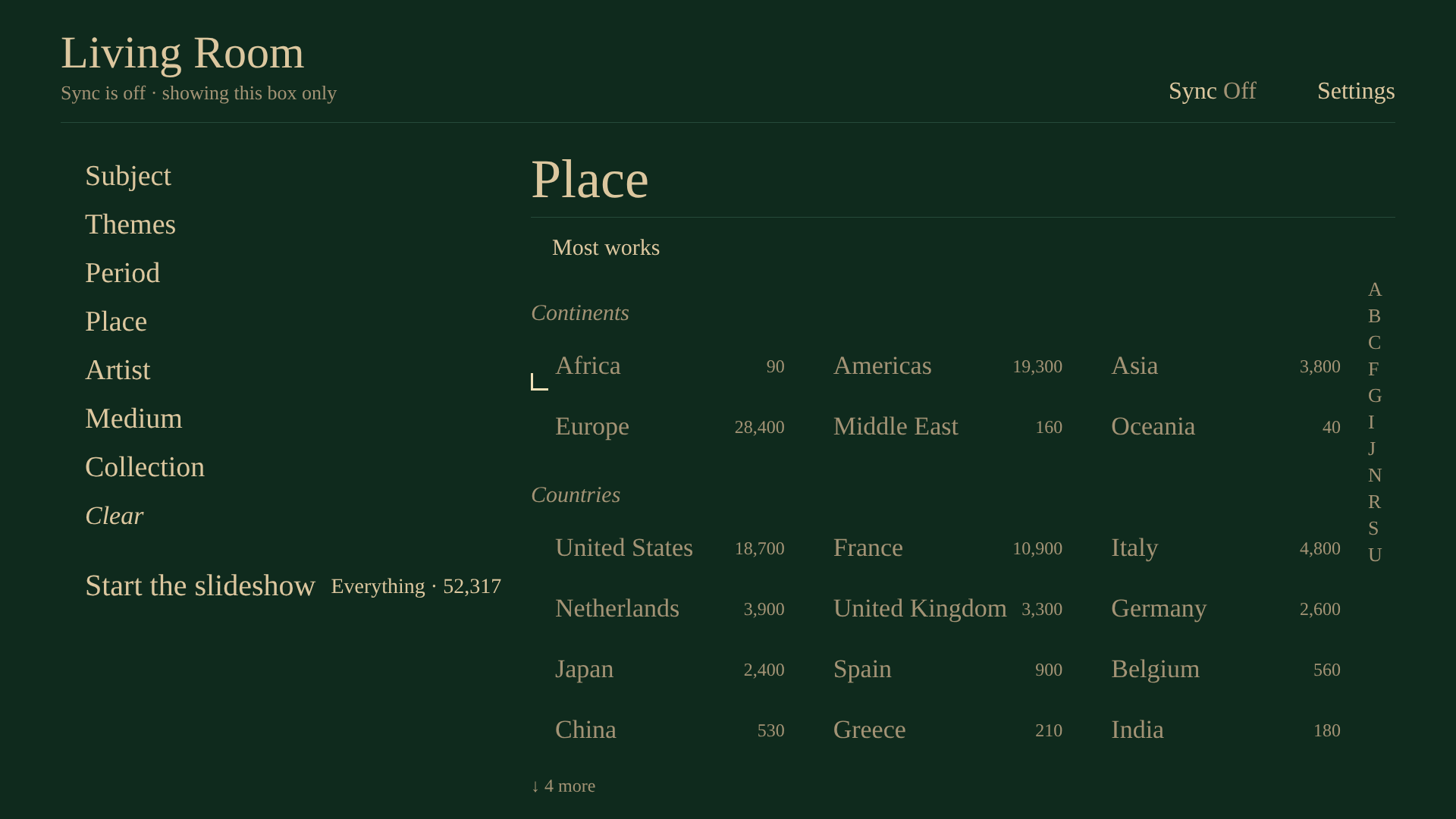
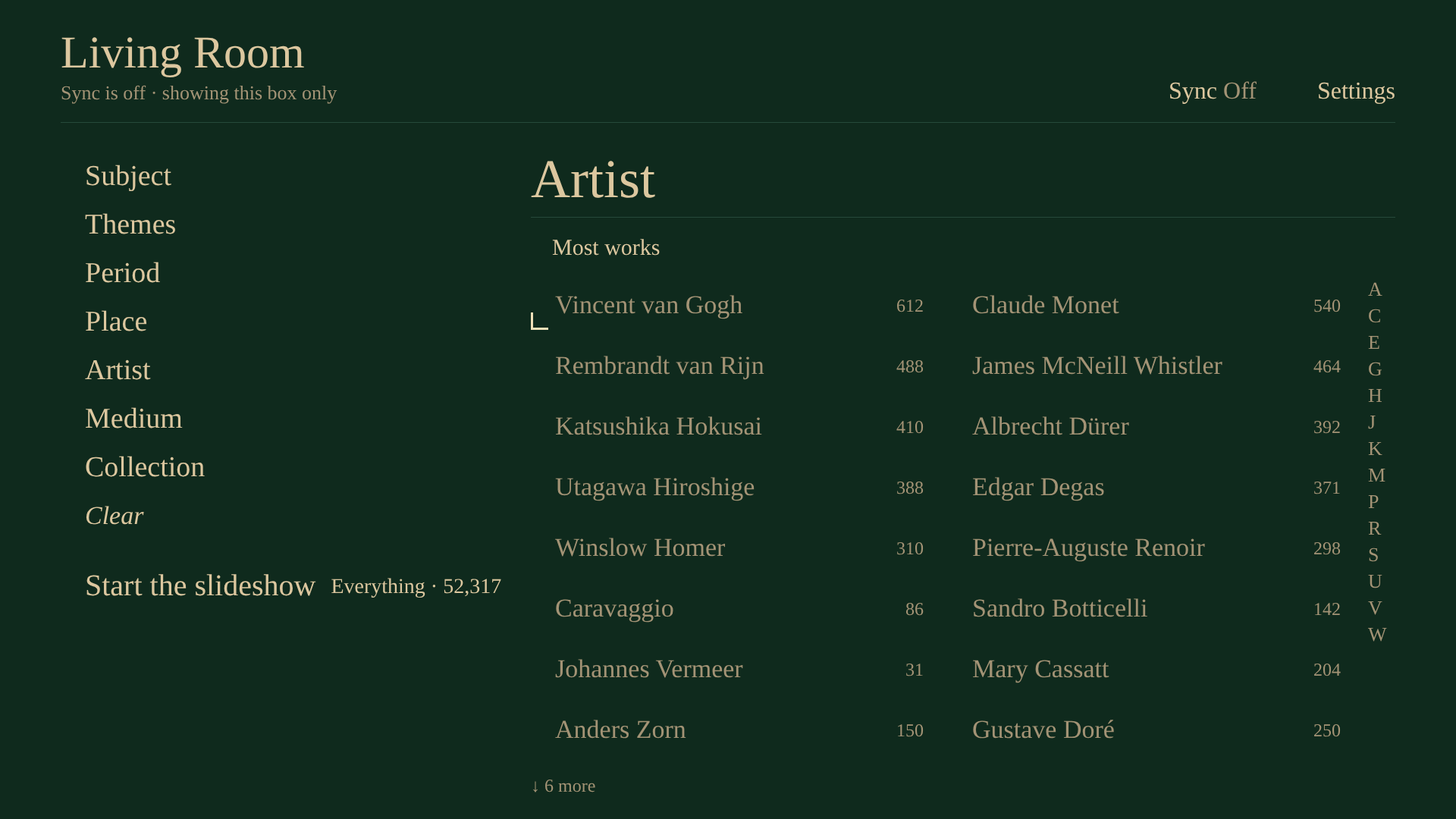
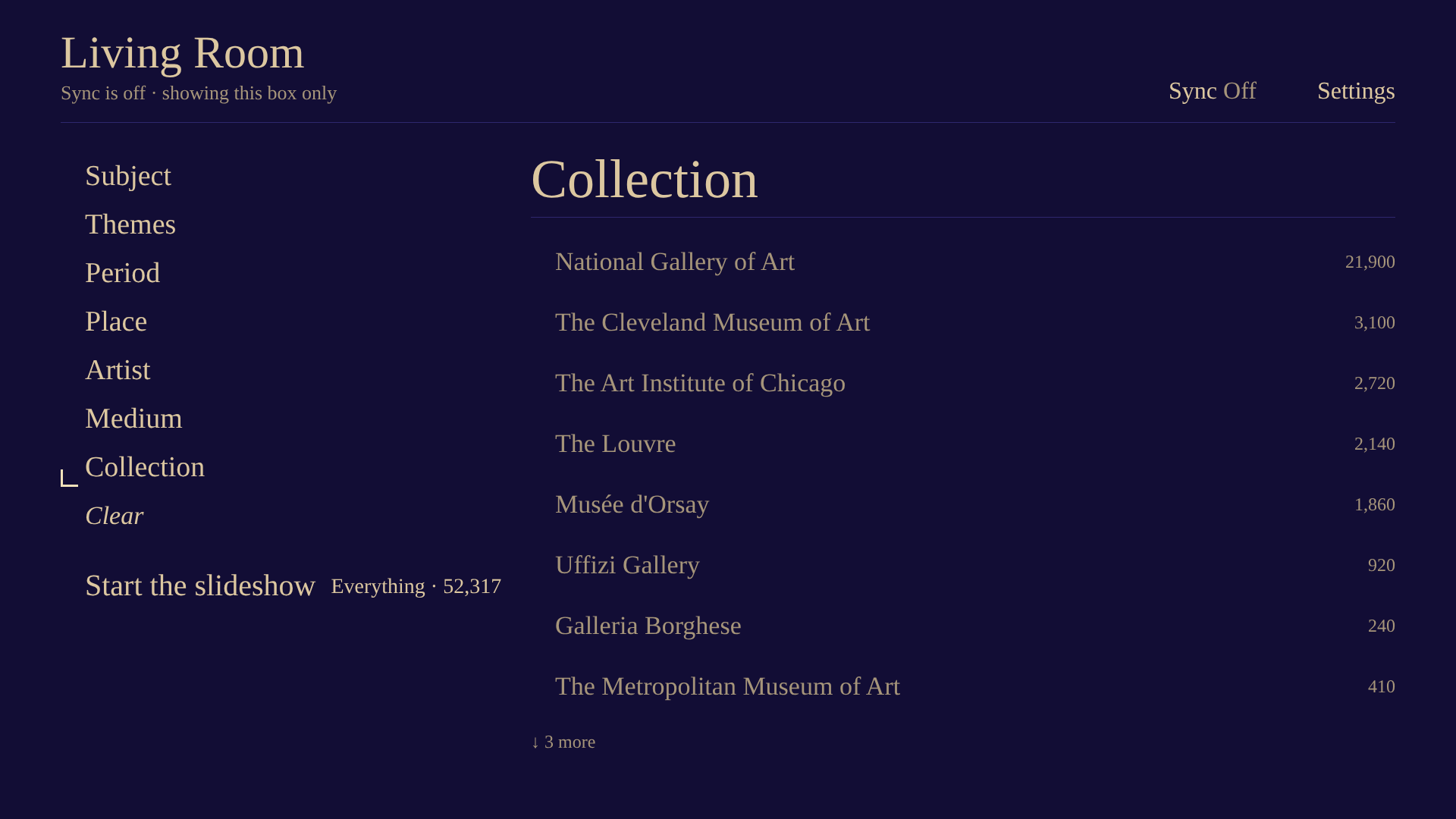
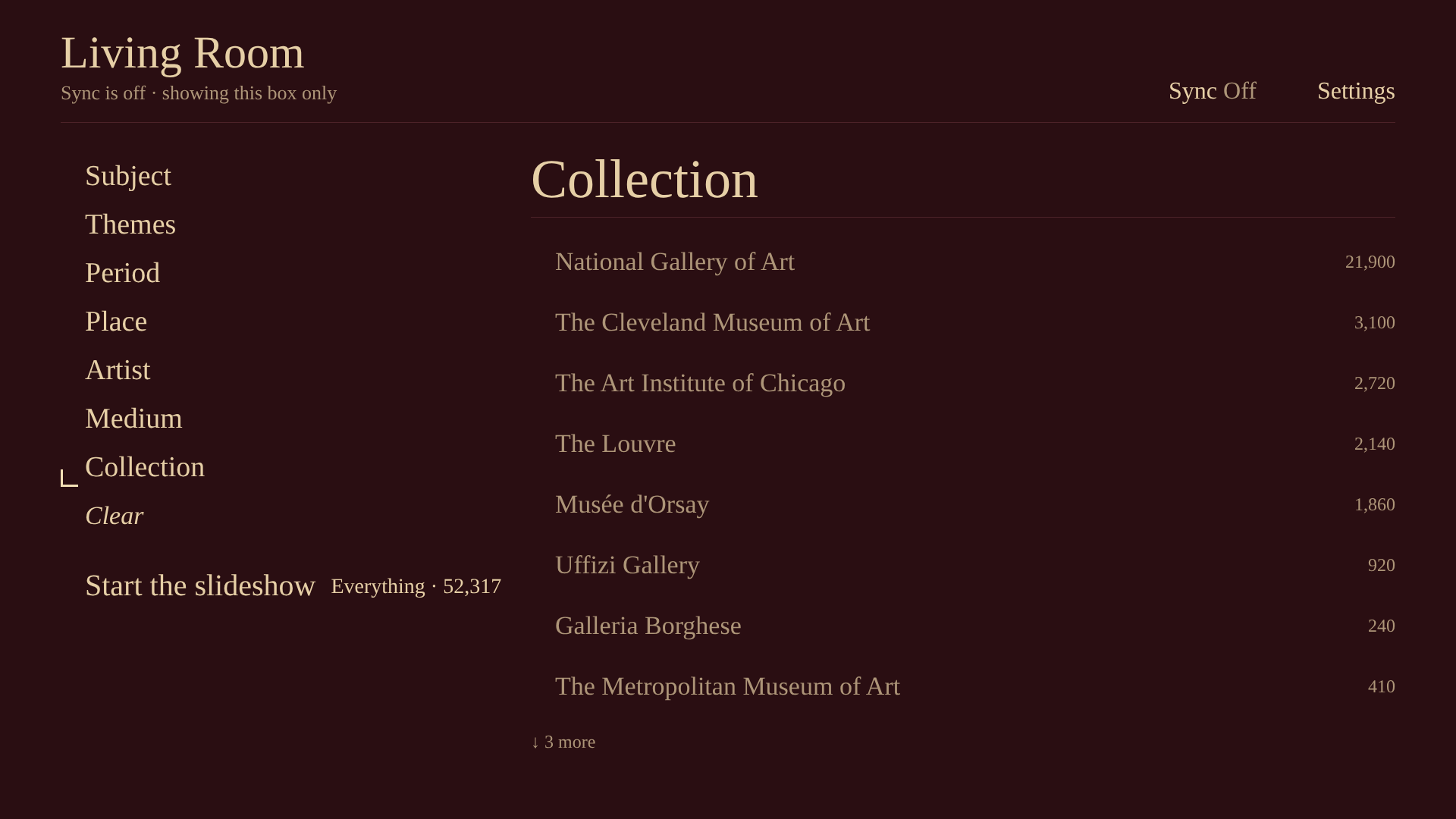
Eight colour themes
Eight menu colour themes, from forest green (the default, shown above) to oxblood to black on white. The art itself is never tinted.
Every box finds the others on the home Wi-Fi. Turn on sync and each TV can show the whole house’s library, and one TV can switch all the others to the same selection, either shuffling independently or mirroring the same painting.
Family photos can be uploaded from a phone with their own details. A household PIN keeps adult content (classical nudes, for example) away from kids and guests, and a separate per-box PIN keeps private photos encrypted on that box only.
hardware per box
~$180
lines of code
~9,000
works, growing toward
~50,000
automated checks
100
Hardware, one box
No soldering. Software: Python (a standard-library web server, SQLite, numpy and Pillow), plain HTML, CSS and JavaScript, systemd, and a Wayland kiosk running Chromium. Library: started at 4,363 works on a laptop prototype and is growing toward about 50,000 from six open-access sources. Testing: 100 automated checks, including two simulated boxes syncing with each other and a headless browser driving the TV screen by key presses.
Solving problems outside the classroom
No syllabus handed this one over. It started as a complaint about a black TV and became a full product cycle: spotting a need, setting requirements, choosing hardware, testing on real equipment, and fixing what broke in the field.
Designing for a remote is its own discipline
A mouse forgives a cluttered screen; a remote doesn’t. With four arrows and OK, every extra button press is felt, so the picker was redesigned around the fewest presses to the art.
Built with AI
Kian built ArtFrame with Claude, Anthropic’s AI, as his engineering partner. He set the direction, made the design and product decisions, sourced the hardware, and ran and tested everything on the real box. Claude wrote the code and tests, and walked him through deployment and field fixes over many sessions. It was a good lesson in being a product lead for an AI collaborator.
key words